How to Create a USDC QR Code: Network, Address, and QRLynx Steps

Key Takeaway
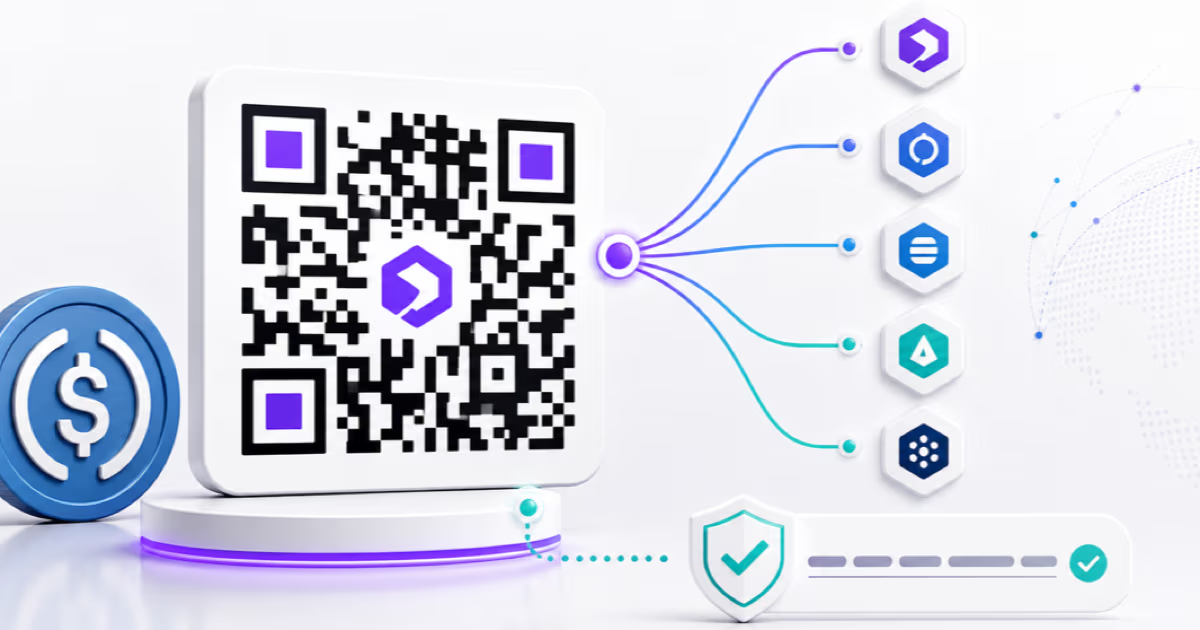
Create and verify a USDC payment QR in QRLynx. Choose the blockchain, encode the receiving address, label the network, and test the complete payment flow.
What is a USDC QR code?
A USDC QR code can represent one of three different payment flows. It may encode only a receiving wallet address, encode a token-specific payment request, or open a payment processor’s checkout page. Those flows are not interchangeable.
QRLynx currently creates the address-only version for EVM networks. Its Ethereum QR type encodes ethereum:0xRECIPIENT. That payload identifies the recipient address. It does not identify USDC, select a blockchain network, or set an amount. The sender must choose the intended network and USDC in their wallet before confirming.
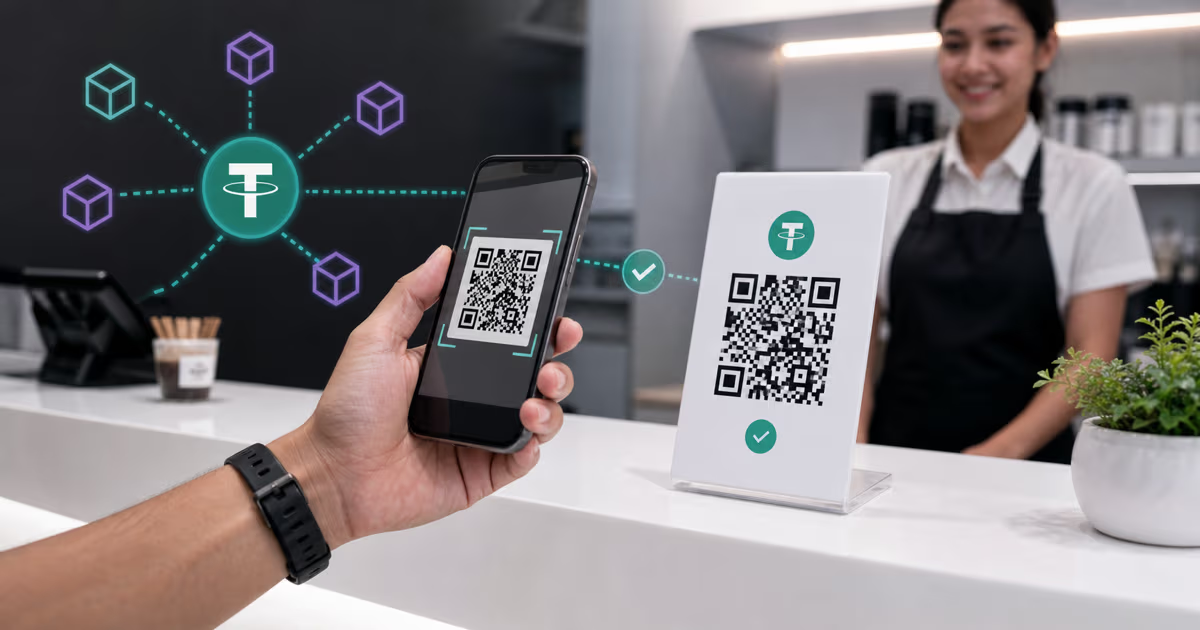
For a direct USDC payment, choose the blockchain first, copy the receiving address for that network, generate the matching QR, label the asset and network beside it, decode the finished QR, and complete a small end-to-end test.
Choose the USDC QR flow before generating
| QR flow | What the QR contains | Best fit |
|---|---|---|
| Address-only QR | Recipient address, optionally expressed as an Ethereum URI | Tips, transfers, and direct-wallet payments where the sender chooses USDC, network, and amount |
| Token-specific EIP-681 request | Network, USDC contract, recipient, and optional amount | A controlled EVM wallet workflow that has been tested with the exact payer wallets |
| Processor checkout QR | A hosted invoice or checkout URL | Order references, receipts, conversion, refunds, and accounting integrations |
USDC and the receiving address
Circle describes USDC as a digital dollar issued on multiple blockchains and backed by highly liquid cash and cash-equivalent assets so it is redeemable 1:1 for USD. Access to direct redemption depends on the holder’s eligible Circle or exchange relationship.
On Ethereum, native USDC is an ERC-20 token controlled by the contract at 0xA0b86991c6218b36c1d19D4a2e9Eb0cE3606eB48. The token contract records balances against Ethereum addresses. A transfer calls the token contract and credits the recipient address.
This is why the same EVM account address can receive ETH and compatible tokens such as USDC. The network and token contract determine which asset balance changes. The address alone does not restrict the payment to USDC.
What the QRLynx Ethereum QR type encodes
The current QRLynx Ethereum QR generator accepts an address and produces ethereum:0xRECIPIENT. This is an address-only Ethereum URI. QRLynx does not add a chain ID, USDC contract address, token symbol, or amount to this payload.
Because the URI does not include @chainId, a scanning wallet may use its currently selected EVM network. Because it does not call the USDC contract, the wallet must let the sender choose USDC and enter the amount. Wallet handling varies, so test the exact wallet and network flow your payer will use.
The QRLynx Ethereum form currently requires a value but does not independently confirm that the pasted value belongs to the intended recipient or network. Copy the address from the receiving wallet or custodian, then verify the full decoded payload before publishing.
Match the network to the QRLynx QR type
| USDC network family | Address form | QRLynx approach |
|---|---|---|
| Ethereum and EVM networks | 0x plus 40 hexadecimal characters | Use the Ethereum QR type for an address-only URI, then label and test the exact network |
| Solana | Base58 account address | Use a Text QR for the address and verify recognition in the intended Solana wallet |
| Other native USDC networks | Network-specific address format | Use a direct text payload or a tested provider checkout route that supports that network |
The network matters even when EVM addresses look the same
Ethereum, Base, Arbitrum, Avalanche C-Chain, Polygon PoS, and other EVM networks use the same 0x-style address format. A self-custody wallet may derive the same account address on several of those networks, while maintaining a separate USDC balance on each network.
A matching address format does not make the balances interchangeable. USDC on Ethereum and native USDC on Base are separate onchain balances. The payer and recipient must use the same network, and a custodial deposit service must explicitly support that network. A transfer to an unsupported deposit network can require a recovery process or may not be credited.
Place the complete label beside the QR, such as USDC on Base or USDC on Ethereum. Do not rely on “USDC” by itself to communicate the payment rail.
How a token-specific EIP-681 request differs
EIP-681 defines a URI format for Ethereum transaction requests. A token-specific request targets the token contract and asks the wallet to call its transfer function with a recipient and amount.
For one USDC on Ethereum mainnet, the structure can look like this:
ethereum:0xA0b86991c6218b36c1d19D4a2e9Eb0cE3606eB48@1/transfer?address=0xRECIPIENT&uint256=1000000
The target is the official Ethereum USDC contract, @1 identifies Ethereum mainnet, address is the recipient, and uint256=1000000 represents one USDC because native USDC uses six decimal places on Ethereum. EIP-681 treats the amount as a request that the sender can inspect before confirming.
QRLynx’s current Ethereum form does not construct this token-call payload. Use it for the simpler address-only flow. A custom EIP-681 request should be created and tested only when the exact wallet environment is known to support it.
Confirm native USDC and the contract for the chosen network
USDC is available natively on many blockchains, and each network has its own official contract or asset identifier. Some networks also retain bridged forms created before native USDC launched there. A token name or logo is not enough to establish which asset is being transferred.
Use Circle’s current USDC contract-address directory to verify the network and native contract. Then confirm that the payer wallet and receiving wallet display the same network and asset contract.
This contract check belongs in the setup process even when the QR itself carries only the recipient address. It prevents an address-only QR label from implying support for an asset or network the receiving service does not credit.
How to create and verify a USDC QR code in QRLynx
Choose one USDC network
Choose the exact network the recipient can receive and the payer can send. Confirm support in both wallets or in the receiving exchange or custodian before generating the QR.
Copy the receiving address from the intended account
Open the receive or deposit screen for USDC on that network and copy the public address. Keep the network shown on screen available for comparison.
Verify the native USDC asset
Compare the network and token contract with Circle’s current USDC contract directory. This distinguishes native USDC from a bridged or similarly named asset.
Select the matching QRLynx tool
For an EVM address, choose the QRLynx Ethereum QR type and paste the address. For Solana or another non-EVM address, use a Text QR and test it with the intended wallet.
Keep the direct payment QR static and label it
A wallet-address payload should remain directly encoded. Add a visible action label such as Pay USDC on Base and show enough of the address for the payer to compare it with the wallet preview.
Decode and compare the finished QR
Open the QRLynx QR scanner, decode the exported image, and compare every character with the receiving address. Confirm that an Ethereum QR begins with ethereum: followed by the expected address.
Complete a controlled payment test
Scan with the intended payer wallet, select the labeled network and native USDC, review the recipient and amount, and send an amount accepted by both services. Confirm credit in the receiving account before distributing the QR.
USDC QR preflight checklist
| Check | What to verify | Why it matters |
|---|---|---|
| Recipient | Full decoded address matches the receiving account | Crypto transfers do not include a card-style chargeback path |
| Network | Payer and recipient use the same named network | Balances and deposit support are network-specific |
| Asset | Native USDC contract matches Circle’s directory | Native and bridged assets can coexist |
| QR payload | Address-only, token-specific, or checkout URL is intentional | Each flow asks the payer to do something different |
| Network fee | Payer wallet has the network’s required gas asset or supported fee method | USDC alone may not cover the transaction fee |
| Amount | Payer reviews the amount and USDC decimal placement | Address-only QRLynx QRs do not prefill an amount |
| Custody | Receiving service supports the exact network | A valid address does not prove a custodian credits that network |
| Physical output | Final printed or displayed QR scans at its real size and lighting | The exported file and placement are the real payment surface |
Direct wallet QR or payment processor?
An address-only QR is suitable when the recipient can monitor the wallet and reconcile payments manually. The payer chooses the network, USDC asset, and amount, while the recipient matches the onchain transfer to the sale or invoice.
A processor-hosted checkout is usually a better fit when every payment needs an order reference, an expiring quote, a receipt, refund tooling, automated fiat conversion, or accounting export. In that flow, the QR opens a checkout URL and the processor creates the payment request.
QRLynx can create the direct wallet-address QR or a URL QR that opens a processor checkout page. QRLynx does not custody the USDC, execute the transfer, choose the exchange rate, or confirm the merchant’s accounting record.
Operational details for accepting USDC
- Fees and confirmation times vary. They change with the network, wallet, congestion, fee sponsorship, and receiving service. The payer may need the network’s required gas asset or a supported fee method. Review the live wallet quote rather than publishing a fixed fee beside the QR.
- Public addresses create a public transaction history. Anyone with the address can inspect its onchain activity. Use an account structure that matches the organization’s privacy and reconciliation needs.
- Wallet control requires a secure recovery plan. Follow the wallet or custodian’s supported backup, hardware-signing, access-control, and recovery process. Never place a seed phrase or private key inside a QR intended for receiving payments.
- Refunds need a verified destination. Obtain and verify the customer’s current receiving address and network rather than assuming the original sending route is the correct refund route.
- Tax and accounting treatment depends on jurisdiction. Record the transaction value and relevant identifiers, and use qualified local guidance for financial reporting.
USDC QR code questions about QRLynx
Can QRLynx create a USDC QR code?
Yes, for a direct address-only flow. For an EVM network, use the QRLynx Ethereum QR type. It encodes ethereum: followed by the recipient address. The sender still chooses the intended network, native USDC, and amount in the wallet.
Does the QRLynx Ethereum QR specify USDC?
No. The current QRLynx Ethereum QR contains the recipient address only. It does not include the USDC contract, chain ID, or amount. Label the QR with the intended asset and network and test the complete payer flow.
Can one EVM address QR receive ETH, USDC, and USDT?
The same self-custody EVM account address can receive the network’s native asset and compatible tokens. The payer must choose the correct network and token, and a custodial receiving service must support that exact deposit network and asset.
Can one USDC QR work across Ethereum, Base, and Polygon PoS?
An address-only QR may show the same 0x account on several EVM networks, but it does not select the network. Each network has a separate USDC balance and contract. Use a clear network label and confirm that the receiving account supports the selected network.
How do I create a USDC QR for Solana in QRLynx?
Copy the receiving Solana address, create a QRLynx Text QR containing that address, and test recognition with the intended Solana wallet. Label the finished code USDC on Solana and verify the native USDC asset before accepting payment.
Can a USDC QR include the payment amount?
A token-specific EIP-681 request can include an amount for supported EVM wallet flows. The current QRLynx Ethereum form creates an address-only URI and does not prefill USDC or an amount. A processor checkout can also generate transaction-specific amounts and references.
What is the difference between native USDC and bridged USDC?
Native USDC is issued by Circle on a supported network. A bridged form represents USDC moved through a bridge and can use a different contract. Verify the network and official native contract in Circle’s current contract-address directory.
Who pays the network fee for a direct USDC QR payment?
The sending wallet normally presents the applicable network fee or fee-sponsorship method before confirmation. The required gas asset and fee vary by network and wallet, so rely on the live transaction preview rather than a fixed estimate.
How should I verify a USDC QR before printing it?
Decode the exported image with the QRLynx QR scanner, compare the full address with the receiving account, confirm the visible USDC network label, then complete a controlled payment using the intended payer and recipient services.
When should a business use a processor checkout QR instead?
Use a processor checkout when the business needs order references, expiring quotes, receipts, refunds, fiat conversion, or accounting integration. A QRLynx URL QR can open that hosted checkout, while the processor manages the payment request.
Official sources and related QRLynx guides
Verify current network and contract details with Circle’s USDC documentation and contract-address directory. The token-specific URI structure comes from the official EIP-681 transaction-request specification.
For the comparable Tether workflow, see the USDT QR code guide. For merchant operations beyond the QR payload, see how to accept crypto payments using QR codes. Generate an EVM address QR with the QRLynx Ethereum QR tool, and verify the exported image with the QRLynx QR scanner.
Network and address ready
Create and verify the payment QR in QRLynx
Encode the receiving address, label the exact USDC network, and decode the exported QR before accepting a payment.