How to Create a USDT QR Code: Network and QRLynx Steps

Key Takeaway
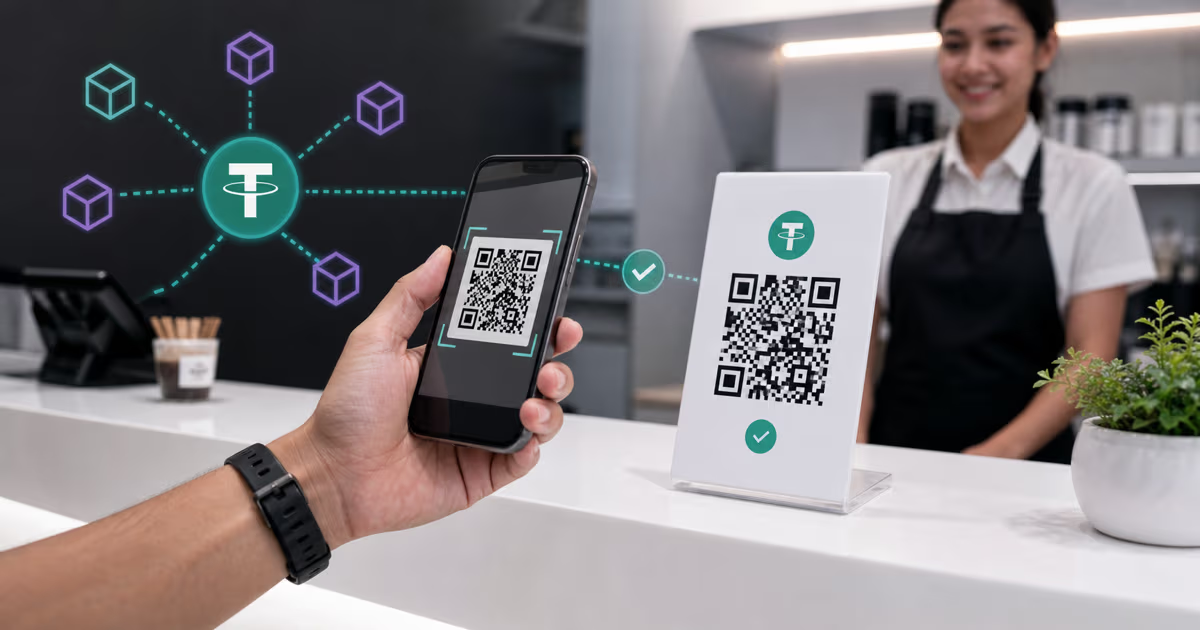
Create and verify a USDT payment QR in QRLynx. Choose the exact Tether network, encode the receiving address, label the payment rail, and test the payer flow.
What is a USDT QR code?
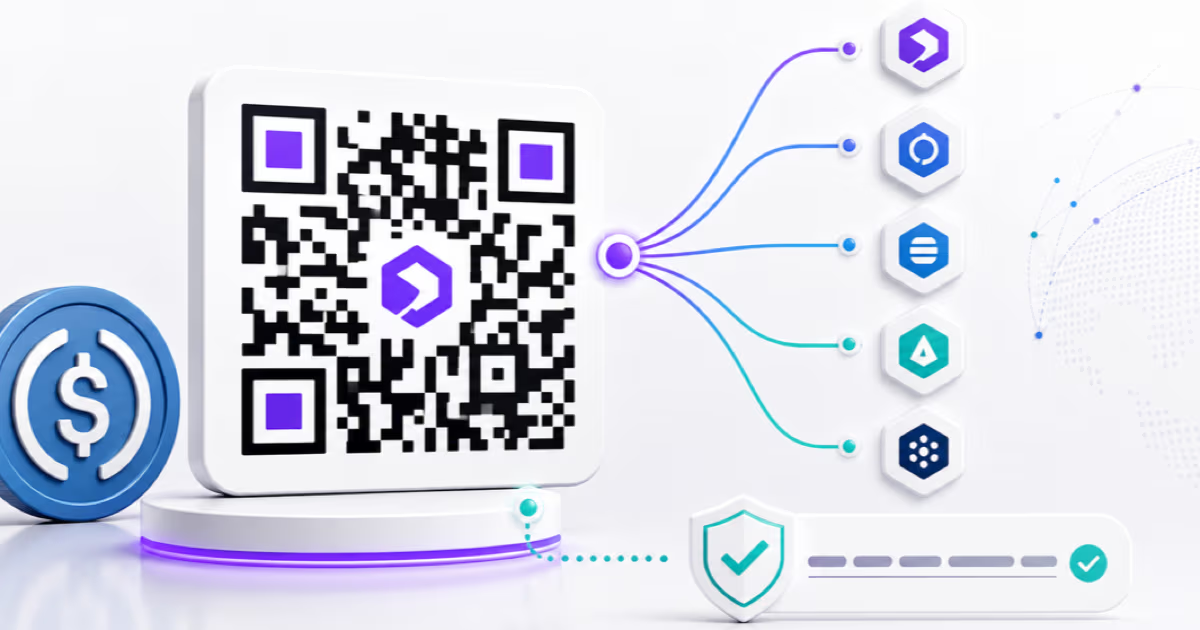
A USDT QR code gives a payer a scannable payment input. It can contain a receiving address, a wallet-specific payment request, or a hosted checkout URL. The QR alone does not guarantee that the payer selected USDT or the intended blockchain.
In QRLynx, the correct setup begins with the payment rail. For an EVM receiving address, the Ethereum QR type creates ethereum:0xRECIPIENT. For Tron, Solana, TON, Aptos, and other address formats, a Text QR can store the exact public address supplied by the recipient. A Website / Link QR can open a processor checkout page.
Choose one USDT network, copy the receiving address for that network, generate the matching QR, label the asset and network beside it, decode the finished QR, and complete an end-to-end test with the intended payer wallet.
Choose the USDT QR flow first
| QR flow | What it contains | Best fit |
|---|---|---|
| EVM address QR | An ethereum: URI containing the recipient's 0x address | Direct payments where the payer selects USDT, the exact EVM network, and the amount |
| Other-network address QR | The exact public address stored as text | Direct payments on Tron, Solana, TON, Aptos, or another supported USDT protocol after wallet testing |
| Processor checkout QR | A hosted invoice or checkout URL | Orders that need an amount, payment status, receipt, refund workflow, conversion, or accounting reference |
USDT exists on multiple blockchain protocols
USD₮ is a Tether token pegged 1-to-1 with the US dollar and backed by Tether's reserves, according to Tether's current FAQ and transparency page. It is issued on multiple blockchain protocols rather than one universal USDT network.
Tether's supported-protocol directory is the current source for supported networks and official token contracts. Tether specifically asks integrators to make the supported protocol clear. That same rule belongs on a payment sign: write the asset and network together, such as USDT on Tron or USDT on Ethereum.
The asset name alone is incomplete routing information. The receiving wallet, custodial account, or processor must support the exact protocol selected by the payer.
Match the address family to the QRLynx approach
| Network family | Address or checkout input | QRLynx approach |
|---|---|---|
| Ethereum and EVM networks | A 0x receiving address from the intended network | Use the Ethereum QR type for an address-only URI, then label and test the exact network |
| Tron | The recipient's Tron public address | Use a Text QR for the exact address, label it USDT on Tron, and test the intended wallet |
| Solana, TON, Aptos, and other protocols | The network-specific public address | Use a Text QR or a verified processor checkout URL, then test the complete payer flow |
| Hosted checkout | The processor's current HTTPS invoice URL | Use Website / Link when the checkout system controls the asset, network, amount, and payment state |
What the QRLynx Ethereum QR type encodes
The current QRLynx Ethereum QR generator accepts an address and encodes ethereum:0xRECIPIENT. It is an address-only URI. QRLynx does not add a chain ID, USDT contract, token symbol, or payment amount.
A shared 0x address format does not choose Ethereum, Avalanche, Celo, Kaia, or another EVM network. It also does not select USDT instead of the network's native asset or another token. The payer wallet still controls those choices.
For Ethereum USDT, Tether's current official contract is 0xdAC17F958D2ee523a2206206994597C13D831ec7. Treat the contract directory as a verification source, not as the receiving address to encode. The QR should contain the recipient's public address or a checkout URL.
Use Text QR for a non-EVM USDT address
For a Tron, Solana, TON, Aptos, or another non-EVM address, QRLynx can store the exact public address as a static Text QR. The generated payload is exactly the text entered. QRLynx does not infer the network or add token details.
Copy the address from the receiving wallet or custodian's deposit screen for the exact USDT network. Keep the visible network label beside the QR, and show a shortened human-readable address for comparison. Then scan the exported QR with the intended payer wallet and with the QRLynx QR scanner to confirm the decoded value.
Wallet behavior varies. Some wallets may treat a plain address as text, while others may offer a payment action. The end-to-end wallet test is the authority for the customer experience.
Use a checkout URL when the order needs payment state
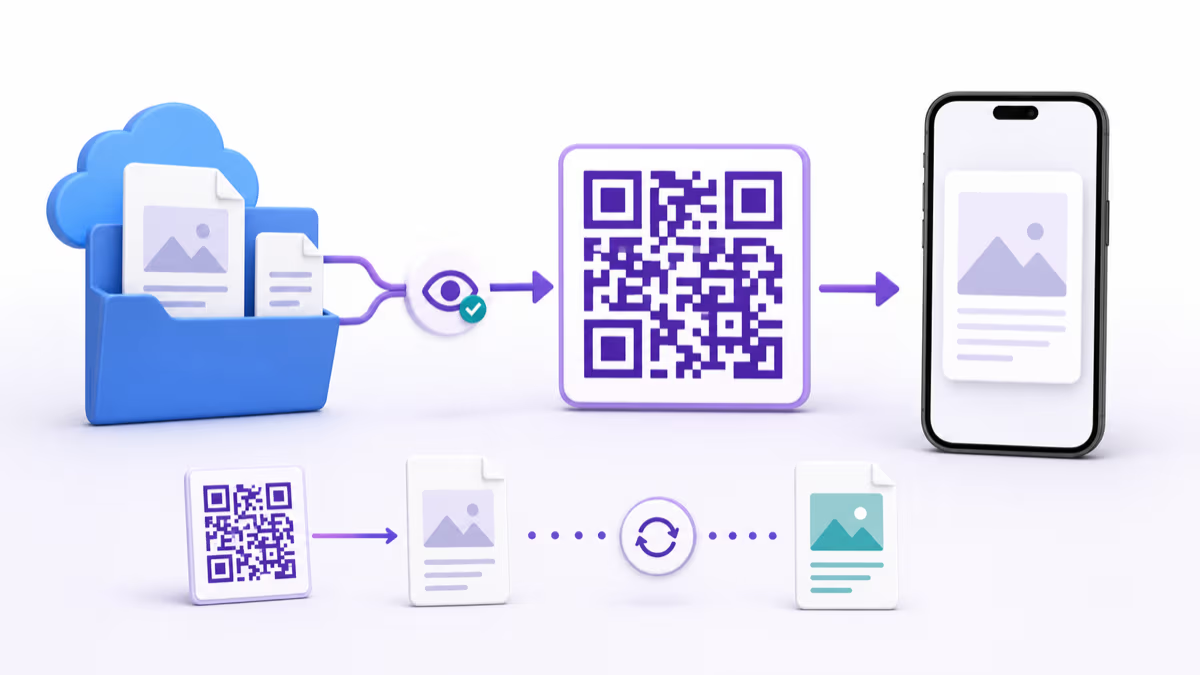
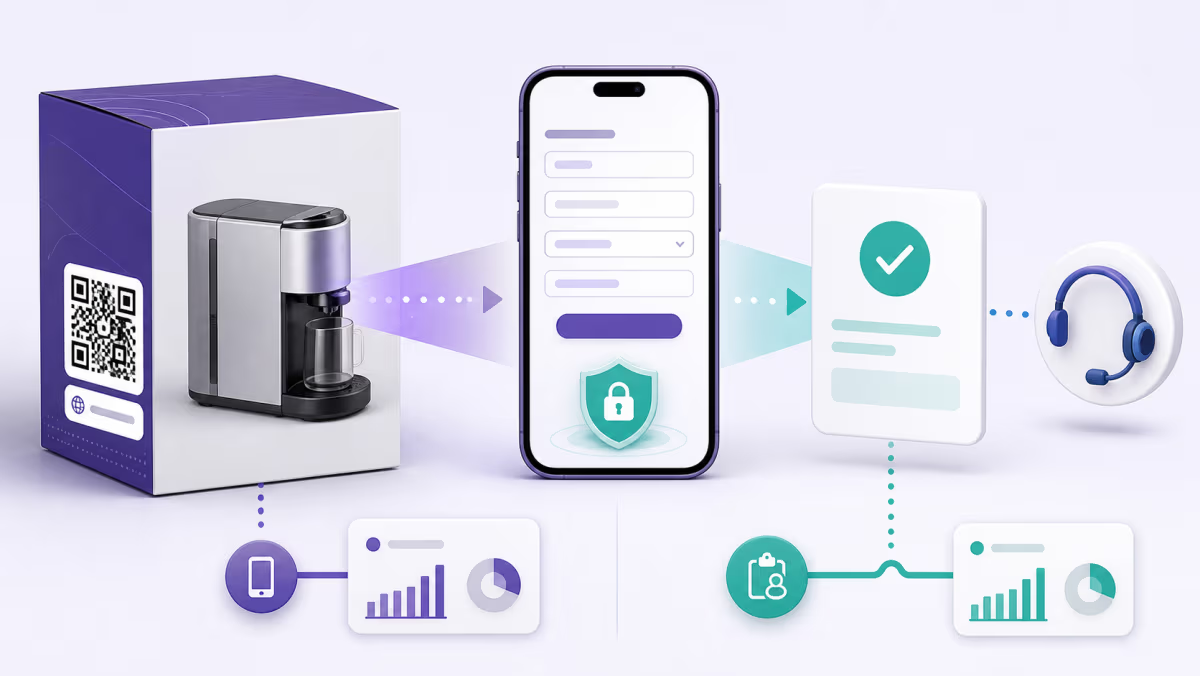
A direct address QR is useful when the payer can choose USDT, network, and amount. A processor checkout is the stronger fit when an order needs a fixed amount, expiration, order reference, confirmation state, receipt, refund workflow, or settlement reporting.
In that flow, create a Website / Link QR in QRLynx for the processor's HTTPS checkout URL. Static mode stores the URL directly. Dynamic mode stores a QRLynx short link whose destination can be updated later and whose scans can be measured.
QRLynx scan analytics report interactions with the QR link. The wallet, blockchain, processor, and order system remain the sources for authorization, transaction confirmation, settlement, and order status.
How to create and verify a USDT QR code in QRLynx
Choose the payment flow
Decide whether the QR will contain a direct receiving address or a hosted checkout URL. Use the checkout flow when the order needs an amount, status, receipt, or settlement record.
Choose one USDT network
Confirm that the receiving wallet or custodian supports the exact network. Verify current protocol and token details against Tether's supported-protocol directory.
Copy the approved payment input
Copy the public receiving address from the exact network deposit screen, or copy the current HTTPS checkout URL. Never enter a seed phrase or private key.
Select the matching QRLynx type
Use Ethereum for an EVM 0x address, Text for a non-EVM public address, or Website / Link for a processor checkout URL. Choose static or dynamic only for the URL flow.
Add a clear payment label
Place the asset and network beside the QR, such as USDT on Tron. Include a short address comparison or order instruction without exposing private account information.
Finish a scan-friendly design
Use strong contrast, preserve the quiet zone, keep the QR large enough for its placement, and use a short call to action such as Scan to pay with USDT.
Decode the exported QR
Use the QRLynx scanner to compare the decoded address or URL with the approved source character by character before printing or publishing.
Test the complete payment path
Scan with the intended payer wallet, verify the displayed asset, network, recipient, and amount, then confirm the receiving system records the completed test correctly.
USDT QR preflight
| Check | What to verify | Authority |
|---|---|---|
| Asset | The wallet or checkout displays USDT | Payer wallet or processor |
| Network | The sender and receiver use the same named protocol | Receiving wallet, custodian, and Tether directory |
| Recipient | The decoded address matches the approved receiving address | Receiving account and QRLynx scanner |
| Amount | The amount and denomination match the order | Wallet or processor checkout |
| Fee and confirmation | The payer reviews current network conditions before approval | Payer wallet and blockchain |
| Order status | The merchant credits the order only after the payment system reaches the required state | Processor, blockchain monitor, or order system |
Protect the payment destination
A public receiving address is safe to share for payments. A seed phrase, recovery phrase, private key, wallet password, and account login remain private and never belong in a QR code.
For a printed merchant QR, use an approved master file, restrict who can replace it, and inspect the display for an added sticker or altered sign. For digital placements, keep the source URL or address in a controlled content system and retest after changes.
For a refund, confirm the asset, network, amount, and a current destination with the customer through an approved support channel. The address visible in a transaction record may belong to a custodial service and may not be the correct refund destination.
Record and reconcile USDT payments
Keep the order reference, asset, network, receiving address, amount, transaction identifier, confirmation state, timestamp, fee payer, refund record, and the reporting-currency value required by your accounting policy. A processor may produce these fields automatically. A direct-wallet workflow needs its own reconciliation process.
QRLynx can identify scans of a dynamic checkout link, but a scan is not a financial transaction. Reconcile the blockchain or processor payment record to the order record before marking a sale paid.
Tax and reporting treatment depends on the merchant's jurisdiction and facts. In the United States, use the IRS digital-asset guidance and a qualified adviser for the applicable recordkeeping and reporting treatment.
USDT QR code questions
Can QRLynx create a USDT QR code?
Yes. Use the Ethereum QR type for an EVM 0x receiving address, Text for a non-EVM public address, or Website / Link for a hosted checkout URL. Label and test the exact USDT network.
Does the QRLynx Ethereum QR automatically select USDT?
No. It encodes ethereum: followed by the receiving address. The payer wallet still selects USDT, the network, and the amount.
Can one USDT QR work on every network?
Use one clearly labeled payment rail per QR. Different networks use different routing and support rules, even when an EVM address looks the same.
How do I make a USDT on Tron QR code in QRLynx?
Copy the recipient's Tron public address, store it in a static Text QR, label it USDT on Tron, decode it, and test it with the intended payer wallet.
Should I encode the USDT token contract as the payment address?
No. The token contract identifies the USDT asset on a network. Encode the recipient's public address or a processor checkout URL.
Can the QR include a payment amount?
The current QRLynx Ethereum and Text address flows do not add a USDT amount. Use a tested wallet-specific request or a processor checkout URL when the amount must travel with the payment request.
Does a QR scan confirm that the USDT payment completed?
No. A scan confirms interaction with the QR. The wallet, blockchain, processor, or order system confirms the financial transaction.
Should a USDT payment QR be static or dynamic?
Direct wallet addresses use static Ethereum or Text QRs in QRLynx. A hosted checkout URL can be static or dynamic. Dynamic mode supports destination updates and scan analytics.
How can I verify a USDT QR before publishing it?
Decode the exported QR, compare the full address or URL with the approved source, then scan with the intended payer wallet and complete an end-to-end test.
Where should I check current USDT networks and contracts?
Use Tether's official supported-protocol directory and the receiving wallet or custodian's current deposit instructions for the exact network.
Official sources and related QRLynx guides
Verify current protocol and token information with Tether's supported-protocol directory, Tether's FAQ, and Tether's transparency page.
For adjacent workflows, see how merchants accept crypto payments with QRLynx, how to create a USDC QR code, and the dedicated Ethereum QR generator.
Payment rail confirmed
Create and verify your USDT payment QR
Encode the approved receiving address or checkout URL, label the exact network, and decode the exported QR before use.