QR Code Payment Methods Compared: Choose and Create One in QRLynx

Key Takeaway
Compare UPI, Pix, PayPal, Venmo, Cash App, WeChat Pay, and Alipay+ QR workflows, then create the supported payment QR in QRLynx.
Reviewed July 2026. Provider eligibility, fees, limits, settlement, and supported markets can change. This guide was checked against current official provider documents and the current QRLynx payment QR implementation.
Choose the payment system first, then create the right QR
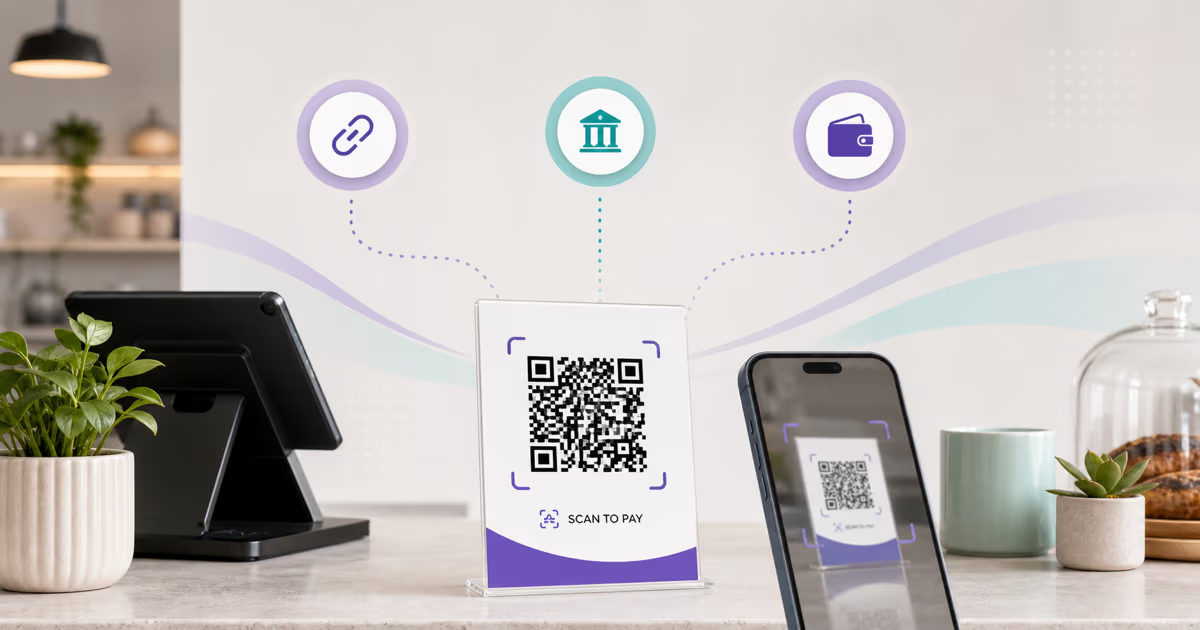
A payment QR can contain a payment-system payload, open a provider-hosted payment link, or identify a merchant inside a wallet. QRLynx supports native static UPI and Pix payloads plus URL-based PayPal, Venmo, and Cash App destinations. The bank, wallet, processor, or acquiring provider still owns merchant eligibility, payment confirmation, fees, disputes, refunds, and settlement.
How QR code payments work
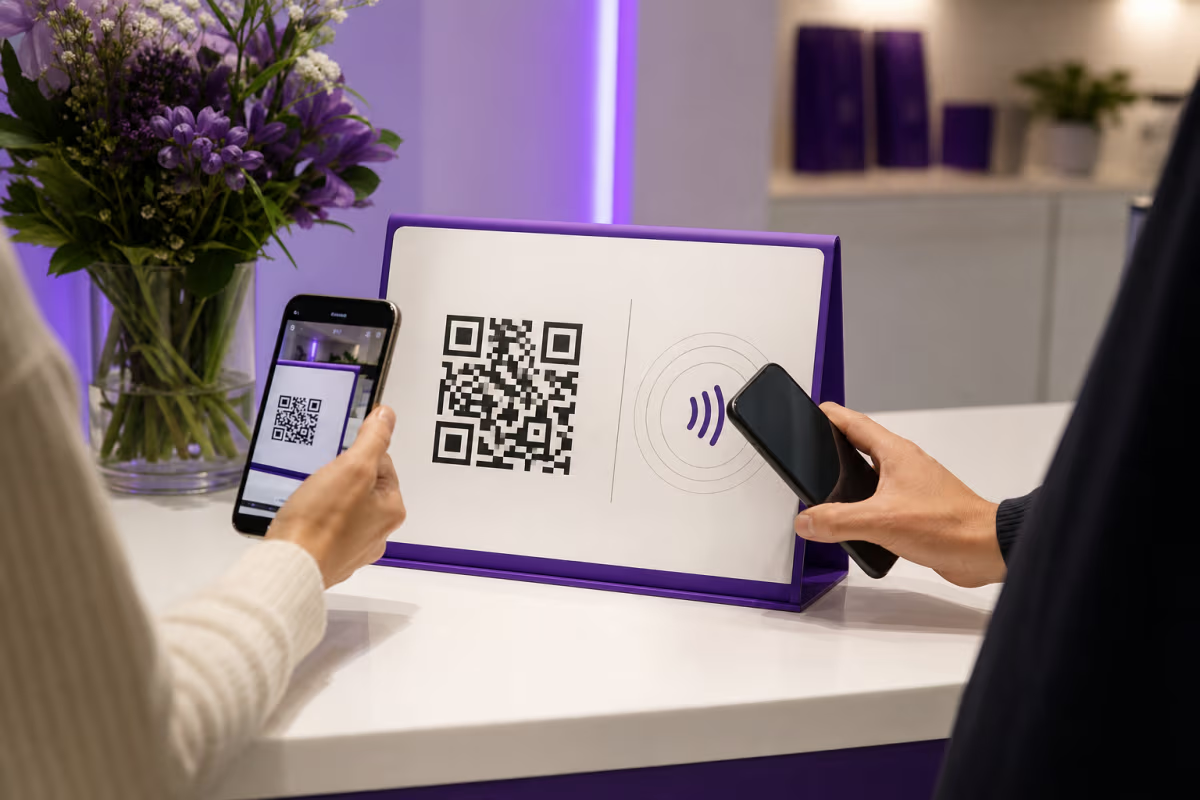
EMVCo separates payment QRs into two presentation models. In merchant-presented mode, the merchant displays a code and the customer scans it. In consumer-presented mode, the customer displays a code and the merchant scans it. The presentation model does not identify the processor or guarantee that any wallet can complete the payment.
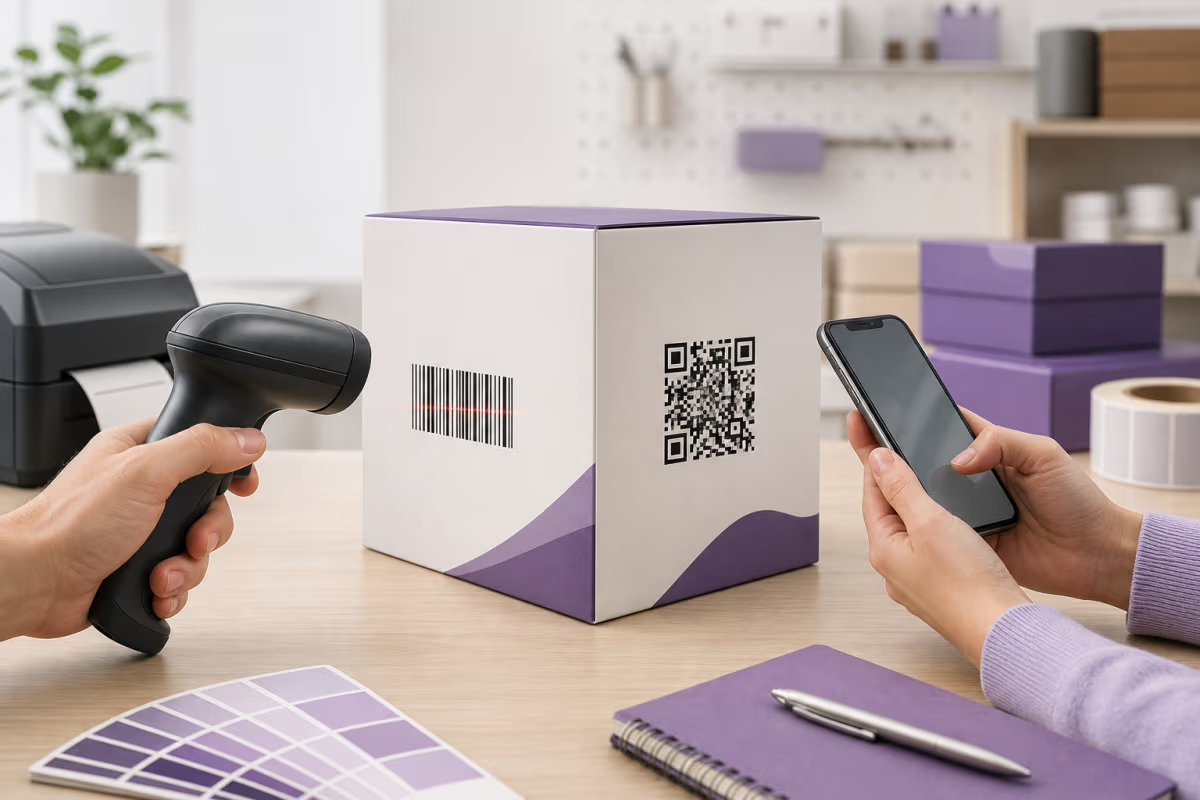
A second distinction matters just as much. A payment payload carries structured payment data for a compatible payment app. A payment link is a normal web destination hosted by the provider. A phone camera can usually open a payment link, while an EMV payment payload generally needs a compatible banking or wallet app to interpret and authorize it.
QRLynx creates or presents the QR layer. It does not move funds or replace the provider account behind the code.
Payment QR options supported by QRLynx
| QRLynx option | What you provide | QR behavior | Payment owner |
|---|---|---|---|
| UPI | UPI ID, payee name, optional amount and note | Static payment payload | The UPI app, bank, acquirer, and NPCI ecosystem |
| Pix | Pix key, recipient name, city, optional amount and description | Static BR Code payload | The participating institution and Banco Central do Brasil rules |
| PayPal | A tested PayPal.me or provider-hosted payment link | Static or QRLynx dynamic URL QR | PayPal |
| Venmo | A tested Venmo business or profile URL | Static or QRLynx dynamic URL QR | Venmo |
| Cash App | A tested Cash App link | Static or QRLynx dynamic URL QR | Cash App |
| WeChat Pay, Alipay, Alipay+ | Use the official merchant or acquiring-provider code | Provider-defined payment code | The wallet, acquirer, and payment network |
How to create a payment QR code in QRLynx
Start with an authorized payment destination, choose the exact QRLynx type, and verify the complete payment and merchant-confirmation journey.
Choose the payment system for the customer and market
Select a provider that supports the merchant, customer, currency, location, and transaction type. Complete the provider's business onboarding when the payment is for goods or services. The provider's current merchant terms and pricing are the source of truth.
Obtain the authorized destination or payment details
For PayPal, Venmo, or Cash App, copy the tested provider-hosted payment link from the correct account. For UPI, use the authorized UPI ID and payee details. For Pix, use the authorized Pix key and recipient details. Obtain WeChat Pay, Alipay, and Alipay+ merchant codes through their official merchant or acquiring-provider workflow.
Select the exact QRLynx payment type
Open the QRLynx generator and choose UPI, PIX, PayPal, Venmo, or Cash App. Enter the fields shown for that type. Do not place passwords, card numbers, wallet recovery phrases, private keys, or unrelated personal data in the QR.
Choose static or dynamic behavior where supported
UPI and PIX in QRLynx create static payment payloads. PayPal, Venmo, and Cash App are URL types that support static or dynamic behavior. Choose dynamic when eligible QRLynx scan analytics or destination replacement matters. QRLynx analytics count QR interactions, not successful payments.
Design and label the payment action
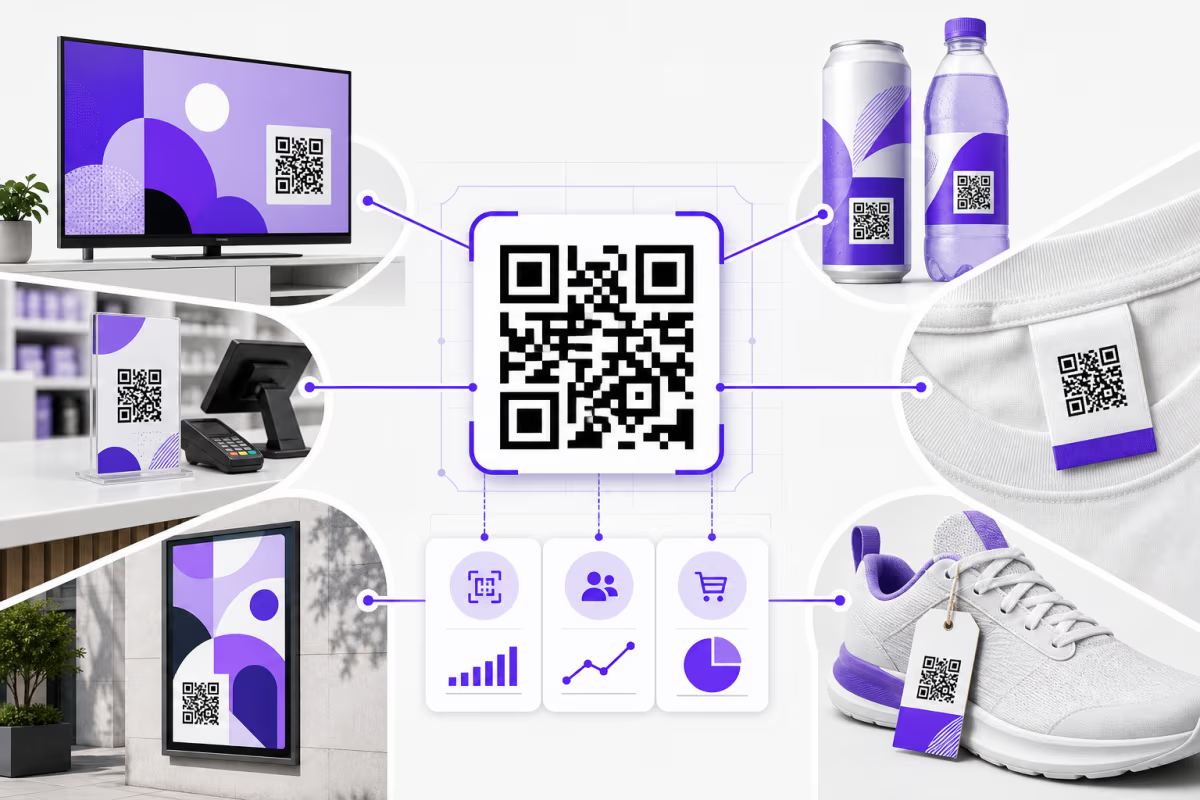
Use strong contrast, preserve the quiet zone, and identify the merchant and supported payment action beside the code. Follow the payment provider's current brand and merchant-display requirements. For regulated merchant acceptance, coordinate the final sign with the bank, acquirer, or provider.
Download and test the final placement
Place the QR at its real size and scan it from the customer's position with a supported payment app. Confirm the merchant or recipient name, amount behavior, currency, and destination before authorizing a small live test payment.
Verify payment confirmation and operations
Confirm the payment in the provider or bank system rather than from the QR scan alone. Check the merchant receipt, settlement record, reconciliation reference, refund process, staff instructions, and support route before public use.
Payment destination ready
Create the matching payment QR in QRLynx
Choose UPI, PIX, PayPal, Venmo, or Cash App and build a clearly labeled code around verified payment details.
Compare systems by workflow, not one headline fee
Payment costs are specific to the provider, country, account type, transaction route, funding method, currency, and merchant agreement. A PayPal QR transaction can have a different rate from a PayPal Payment Link or online checkout. Venmo publishes separate business-profile and contactless rates. Cash App states that business processing fees are disclosed in the account experience. Banco Central do Brasil allows institutions to charge business customers for Pix, while its consumer rules have defined exceptions. UPI merchant onboarding and available integration modes are handled through acquiring institutions.
This makes a universal fee leaderboard unreliable. Compare the exact route you will deploy and record these fields before deciding:
- percentage and fixed transaction fees
- currency conversion and cross-border charges
- refund, dispute, and chargeback handling
- payout timing and reserves
- merchant eligibility and required verification
- receipt, reconciliation, tax, and accounting support
- customer app availability in the target market
Use the provider's current merchant pricing and agreement for the final calculation. QRLynx does not add a payment-processing fee because it does not process the transaction. The QRLynx plan controls QR features, not the provider's payment charges.
Regional payment rails and provider links serve different needs
UPI in India
NPCI says merchants can integrate UPI through QR, intent, application, and collect modes, with merchant onboarding handled through an acquiring bank. The native QRLynx UPI type creates a static payload from a UPI ID, payee name, optional amount, and note. A merchant sign must follow the current acquiring and UPI display requirements.
Pix in Brazil
Banco Central do Brasil defines both static and dynamic Pix QR codes. The QRLynx PIX type creates a reusable static BR Code payload from the entered Pix key, recipient name, city, optional amount, and description. Dynamic Pix collection, transaction lookup, and merchant reconciliation belong to the participating institution or Pix API workflow.
PayPal, Venmo, and Cash App in the United States
These services provide account and business workflows for receiving payments. QRLynx can turn a tested provider link into a static or dynamic URL QR. A provider-native merchant QR may offer payment-specific behavior that a normal link does not, so use the provider's own merchant code when that behavior is required.
WeChat Pay, Alipay, and Alipay+
These payment ecosystems define their own merchant-presented and consumer-presented flows. Alipay+ documentation states that an acquiring service provider issues the merchant entry code and routes payment results. Use that authorized code rather than recreating a payment credential in a general QR generator.
Static payload, provider code, or QRLynx dynamic link?
| Format | Best fit | Amount and confirmation | QRLynx role |
|---|---|---|---|
| Static UPI or Pix payload | Reusable collection details | Amount can be optional or preset; payment app confirms | Encodes the supported payment fields |
| Provider-native merchant code | Provider-specific checkout, merchant identity, or per-order flow | Provider controls the amount, authorization, and result | Use the authorized provider code as supplied |
| Static payment-link QR | A final provider-hosted URL | Provider page handles the transaction | Encodes the tested URL directly |
| QRLynx dynamic payment-link QR | A printed link that may need destination replacement or scan analytics | Provider page handles the transaction; QRLynx records the QR interaction | Keeps the printed QRLynx short link stable |
QR payments and NFC payments can work together
QR and NFC describe how payment information begins moving between devices. They do not determine the processor, final fee, settlement speed, or refund policy by themselves.
| Decision | QR payment | NFC payment |
|---|---|---|
| Customer action | Scans a merchant code or presents a wallet code | Taps a supported phone, card, or wearable |
| Merchant equipment | Can range from printed signage to a connected checkout display | Uses a compatible terminal, phone, or reader |
| Amount handling | Customer-entered, preset, or generated per order | Usually comes from the point-of-sale transaction |
| Confirmation | Payment app and merchant system | Terminal, wallet, card network, and merchant system |
| Best selection rule | Use when the target wallet and customer journey support scanning | Use when customers and the checkout environment support contactless tap |
A merchant can offer both. Test each route as a complete operational workflow and compare the exact provider terms rather than assuming one technology always has the lower cost.
Payment QR launch checklist
- Merchant or recipient identity is correct in the payment app.
- The provider account is authorized for the intended personal, business, or donation use.
- The amount is fixed or customer-entered exactly as intended.
- The currency and country route are supported.
- The printed label names the action and accepted payment method accurately.
- The code scans from the real distance, lighting, material, and phone position.
- Staff confirm payment inside the provider or merchant system before fulfilling the order.
- Receipts, reconciliation, refunds, disputes, and support ownership are documented.
- Dynamic QRLynx scan counts are kept separate from completed-payment totals.
- Provider pricing and display rules have been checked immediately before launch.
QRLynx payment QR questions
Can QRLynx create payment QR codes?
Yes. QRLynx has native UPI and PIX payload types plus URL-based PayPal, Venmo, and Cash App types. The payment provider or bank still owns the account, authorization, fees, confirmation, refunds, and settlement.
Which QRLynx payment QR types can be dynamic?
PayPal, Venmo, and Cash App are URL types and can use static or QRLynx dynamic behavior. UPI and PIX create static payment payloads in QRLynx. Dynamic mode on a payment link keeps the printed QRLynx destination stable and can provide eligible scan analytics.
Does a QRLynx dynamic QR confirm that a payment succeeded?
No. QRLynx analytics record the QR interaction. Confirm a completed payment in the bank, wallet, processor, or merchant system that owns the transaction.
Can I create a WeChat Pay or Alipay merchant code in QRLynx?
Use the official merchant or acquiring-provider workflow for WeChat Pay, Alipay, or Alipay+ payment codes. Those systems issue and process their own payment credentials. A normal WeChat account link is a different QRLynx use case.
What information does the QRLynx UPI QR type use?
It uses a UPI ID, payee name, optional amount, and optional transaction note. Merchants should use details authorized by their acquiring institution and follow current UPI merchant-display requirements.
What information does the QRLynx PIX QR type use?
It uses a Pix key, recipient name, city, optional amount, and optional description to create a static BR Code payload. The participating institution controls account eligibility, payment confirmation, settlement, and any business fees.
How should I compare payment QR fees?
Compare the exact provider, country, account type, transaction route, currency, percentage fee, fixed fee, conversion charge, payout terms, and dispute handling. Verify the current merchant pricing page or agreement immediately before launch.
Should a payment QR have a fixed amount?
Use a fixed amount for a specific product, ticket, invoice, or donation level when the provider supports it. Use an open amount for flexible payments. Always test what the customer sees before publishing the code.
Can I change a payment destination after printing?
You can replace the destination of a QRLynx dynamic URL QR, subject to plan access and safety checks. A native static UPI or PIX payload is encoded directly and requires a new QR when its payment details change.
What is the safest way to test a payment QR?
Scan the final physical placement with a supported customer app, verify the recipient and amount, authorize a small live payment, confirm it in the merchant system, and test the documented refund or reversal process.