WeChat Pay vs Alipay for International Merchants: QR Guide

Key Takeaway
Compare WeChat Pay, Alipay, and Alipay+ for international merchant QR acceptance, evaluate PSP support, and connect an authorized checkout with QRLynx.
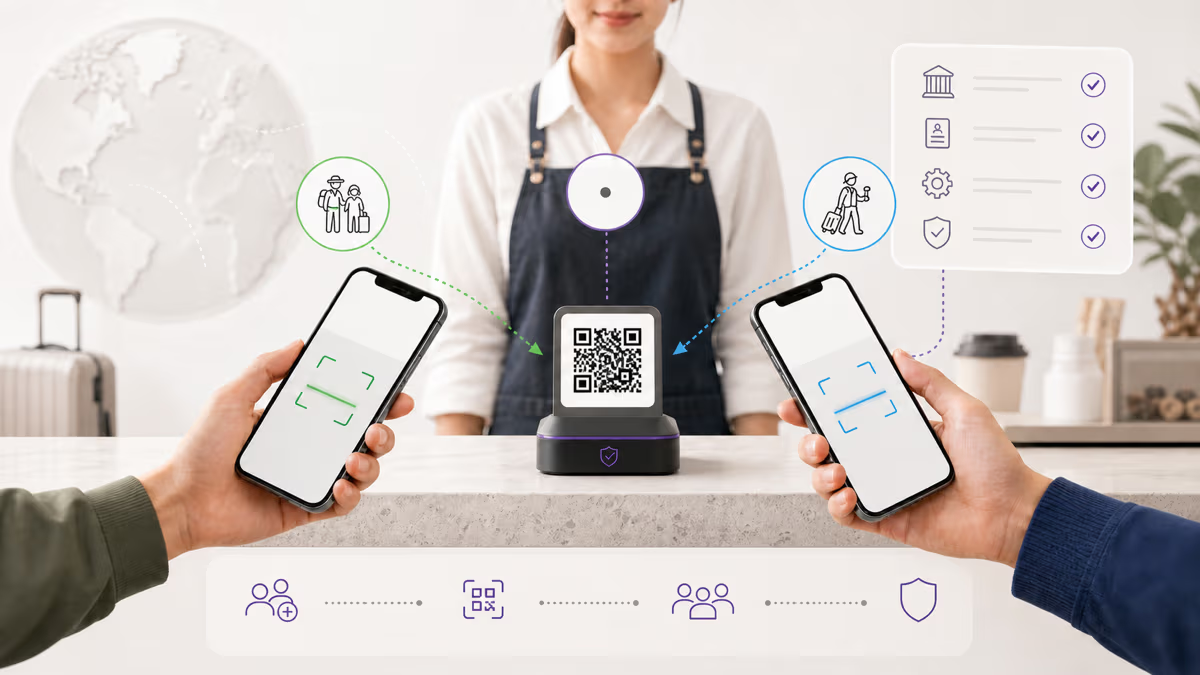
International merchants should choose Weixin Pay, Alipay, or both according to the payment methods their acquirer or payment service provider supports for the merchant country, sales channel, currency, and customer base. When one provider can activate both wallets in the same checkout or terminal integration, offering both gives eligible shoppers their preferred app without creating two unrelated operating systems.
WeChat Pay is commonly used as the international name for Weixin Pay. Alipay and Alipay+ also require a distinction: Alipay is the wallet, while Alipay+ is Ant International’s cross-border acceptance network connecting multiple partner wallets. Confirm the exact product named in the merchant agreement before comparing coverage.
QRLynx manages QR destinations and scan analytics. The approved acquirer or PSP creates the merchant payment credentials, processes the transaction, confirms payment, handles settlement, and controls refunds.
Weixin Pay, Alipay, and Alipay+ compared
Merchant availability varies by country, channel, acquirer, and contract. This table describes the role of each system rather than promising universal acceptance.
| System | What it is | Merchant surfaces | What to verify |
|---|---|---|---|
| Weixin Pay / WeChat Pay | Payment service within the Weixin and WeChat ecosystem | Supported providers can offer web, app, pay-by-link, Mini Program, or point-of-sale flows | Merchant country, channel, currencies, shopper eligibility, refunds, and settlement |
| Alipay | Alipay wallet and payment service | Supported providers can offer web, app, pay-by-link, or overseas point-of-sale acceptance | Whether the contract is Alipay wallet acceptance and where the merchant may sell |
| Alipay+ | Cross-border network connecting multiple participating wallets to merchants | Often offered through international acquirers and point-of-sale integrations | Which wallets, countries, terminals, currencies, and refund flows are active for the merchant |
Two different questions: paying in China and accepting abroad
Visitors paying in the Chinese mainland
Current Chinese government and provider guidance says eligible overseas visitors can register Alipay or Weixin Pay and link supported international cards. Supported card networks, identity checks, transaction limits, eligible merchant categories, and fees depend on the current wallet and card rules. Tencent also documents connections with overseas wallets and cards for visitors.
This traveler flow concerns a person paying merchants in China. It is separate from a business outside China adding wallet acceptance to its own checkout.
International merchants accepting wallet payments
An international merchant normally activates WeChat Pay, Alipay, or Alipay+ through an acquirer or PSP that supports the merchant’s country and channel. Adyen, for example, documents international web, app, pay-by-link, and point-of-sale surfaces, with different contracts and implementation paths by wallet.
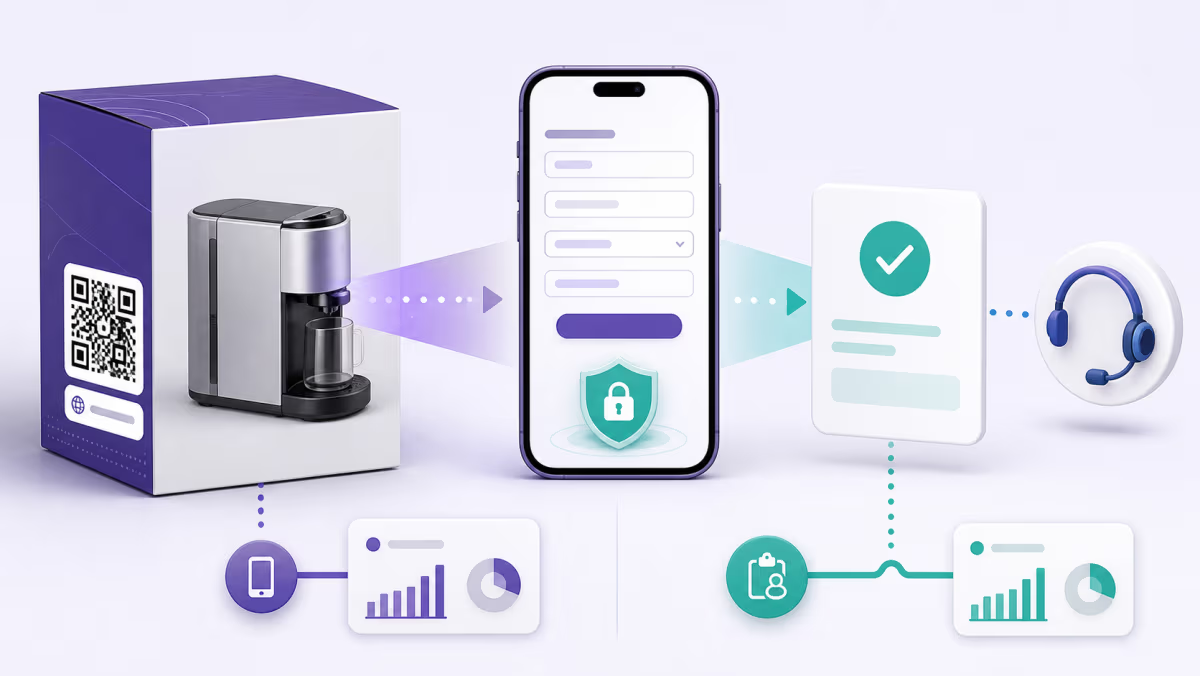
Request the exact merchant eligibility, presentment and settlement currencies, processing price, terminal or ecommerce support, refund capability, reporting fields, and activation process from the provider. A published consumer-wallet feature is not automatically available to every merchant account.
How QR wallet checkout works
Merchant-presented QR
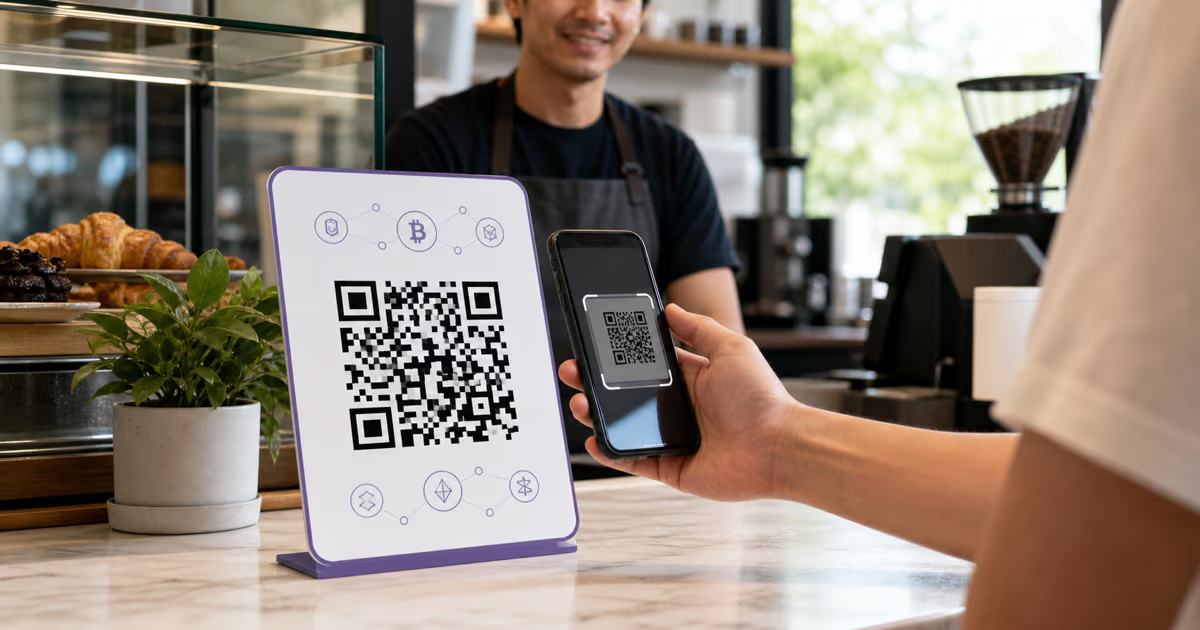
The merchant or terminal displays a QR created for the approved payment session or merchant flow. The shopper scans it with the supported wallet and confirms the payment. The provider decides whether the code is reusable, amount-specific, time-limited, or dynamically generated.
Customer-presented QR
The shopper displays a rotating payment code in the wallet. The merchant terminal or scanner reads it and sends the payment request through the provider. This flow requires supported point-of-sale hardware and integration.
Some providers support both directions and others expose a specific flow for a given wallet, terminal, or market. Use the QR supplied by the authorized payment integration. A generic QR generator cannot manufacture the merchant identity, payment authorization, transaction state, or settlement contract behind a native wallet payment.
What to compare in a merchant proposal
- Merchant eligibility: legal entity location, industry, website, beneficial-owner checks, and sales regions.
- Channels: ecommerce, mobile app, pay by link, Mini Program, or in-person terminal.
- Wallet coverage: Weixin Pay, Alipay, Alipay+, and the named Alipay+ partner wallets.
- Payment flow: merchant-presented QR, customer-presented QR, redirect, app switch, or embedded checkout.
- Commercial terms: processing price, currency conversion, settlement currency, reserve or payout terms, and any fixed charges in the actual proposal.
- Operations: full and partial refunds, reconciliation identifiers, webhooks, dispute model, support path, and reporting exports.
- Testing: sandbox coverage, eligible test wallets, terminal certification, final signage, and a real low-value transaction where permitted.
Compare written offers on the same transaction profile. Fixed percentage ranges quoted without a country, provider, currency, volume, and channel are not reliable merchant pricing.
Where QRLynx fits in the payment journey
QRLynx provides two relevant but separate capabilities. Its WeChat QR type encodes a WeChat profile or account link for social and contact sharing. It is not a native Weixin Pay merchant credential.
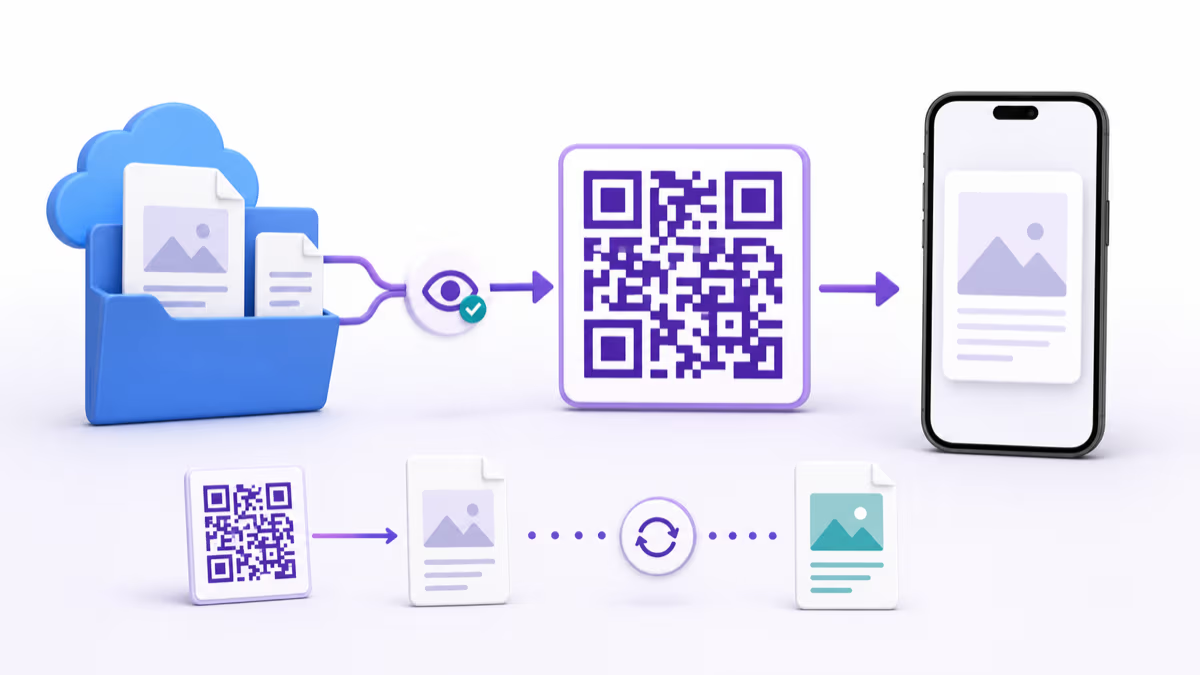
For an authorized browser-compatible payment link or checkout URL supplied by the PSP, a QRLynx Website / Link QR can open that destination. Dynamic mode is useful when the merchant is permitted to change the approved destination later or wants QRLynx scan analytics before the PSP checkout begins. The payment provider still owns the amount, recipient, authorization, success state, receipt, settlement, and refund.
When the PSP requires its own native merchant QR or terminal-generated code, use that code exactly as issued. QRLynx can support surrounding education or a separate campaign landing page, but it should not replace or visually obscure the provider’s authorized payment credential.
Authorized checkout URL ready
Create the managed QR in QRLynx
Connect an approved browser checkout or payment link to a clear, tested QR destination and measure scans before the provider checkout.
Merchant launch checklist
- Confirm the exact wallet products activated on the live merchant account.
- Verify the merchant name and destination shown to the shopper.
- Use provider-approved wallet logos, translations, and signage rules.
- Test both the payment and refund flow with trained staff.
- Keep cash and accepted card options visible where local rules require them.
- Protect printed merchant QRs from unauthorized replacement and inspect them regularly.
- Use provider webhooks or reports for payment confirmation rather than treating a QR scan as a sale.
- Repeat the test after changing the PSP, merchant account, terminal, destination, or printed material.
WeChat Pay and Alipay merchant questions
Should an international merchant accept WeChat Pay, Alipay, or both?
Choose according to the wallets your authorized acquirer or PSP supports for the merchant country, channel, currency, and customers. When one supported integration can activate both, offering both lets eligible shoppers use their preferred wallet.
Is WeChat Pay the same as Weixin Pay?
Weixin Pay is the name used for the payment service in the Weixin ecosystem, while WeChat Pay is commonly used internationally. Provider contracts and documentation may use either name, so confirm the exact product and market.
Is Alipay+ the same as Alipay?
No. Alipay is a wallet and payment service. Alipay+ is a cross-border acceptance network connecting participating wallets to merchants through supported providers.
Can visitors link international cards to Alipay and Weixin Pay in China?
Current Chinese government, Tencent, and Alipay guidance says eligible visitors can link supported international cards. Card networks, identity checks, limits, eligible purchases, and fees follow the current wallet and card rules.
Does an international merchant need a Chinese company?
Eligibility depends on the provider and product. International acquirers document overseas merchant acceptance for supported countries and channels, while mainland merchant onboarding follows separate requirements.
What fees do WeChat Pay and Alipay charge international merchants?
There is no universal percentage for every merchant. Request a written proposal covering processing, currency conversion, settlement, fixed charges, refunds, volume, country, and channel, then compare offers on the same transaction profile.
What is a merchant-presented QR payment?
The merchant or terminal displays an authorized QR for the shopper to scan and approve in the supported wallet. The provider controls whether it is reusable, amount-specific, or time-limited.
What is a customer-presented QR payment?
The shopper displays a rotating wallet payment code and the merchant’s supported terminal or scanner reads it. This requires a certified point-of-sale integration.
Can QRLynx generate a native Weixin Pay or Alipay merchant QR?
QRLynx does not issue native wallet merchant credentials. The authorized acquirer or PSP supplies those. QRLynx can create a Website / Link QR for an approved browser-compatible checkout or payment link.
What does the QRLynx WeChat QR type create?
It encodes a WeChat profile or account link for social and contact sharing. It is separate from a provider-issued Weixin Pay merchant credential.
Can QRLynx track completed wallet payments?
QRLynx dynamic analytics measure QR opens. The PSP or acquirer records authorization, payment amount, success, settlement, and refunds. Use the provider’s transaction report as the payment source of truth.
Can one QR route to several wallets?
Some providers offer unified wallet acceptance or a hosted checkout that presents eligible methods. Use the exact provider-supported product and URL. A generic QR alone cannot add payment methods that are absent from the merchant contract.
Official and provider references
- Tencent: payment services for visitors and overseas wallets
- Tencent: international cards with Weixin Pay
- Chinese government: payment service guide for overseas visitors
- Shanghai government: payment methods for visitors
- Alipay: international card support
- Adyen: WeChat Pay merchant documentation
- Adyen: Alipay merchant documentation
- Adyen: point-of-sale QR wallet flows
For QRLynx implementation details, see the WeChat profile QR page, Website QR page, and QR payment methods comparison.